
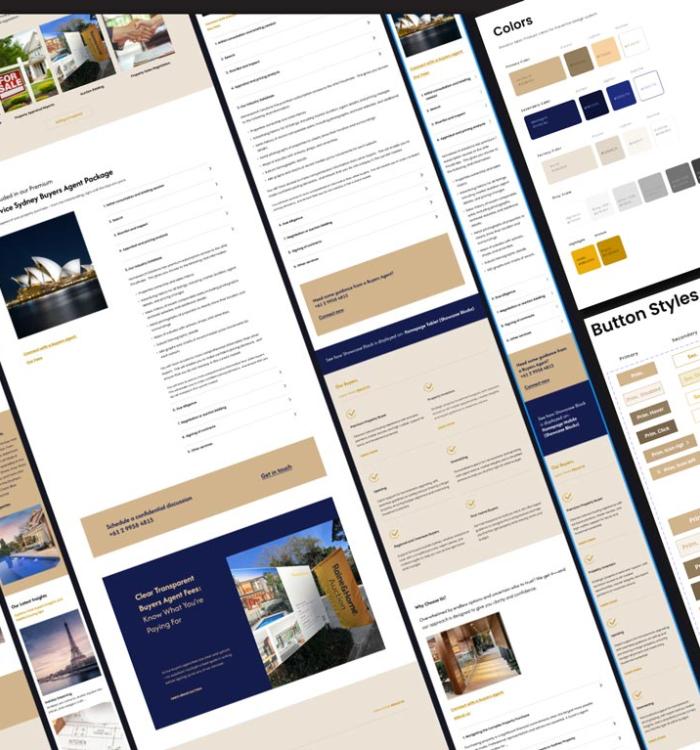



Too many agencies and freelancers — especially offshore or inexperienced teams — skip the crucial step of building websites and apps on a solid design system. Without a clear, methodical design process, projects often end up inconsistent, hard to maintain and costly to fix. Cutting corners might save money upfront, but it often leads to bloated, inefficient products that drain resources and frustrate users. Investing in a proven design system not only ensures a consistent, scalable user experience but also reduces long-term costs.
A structured approach
Atomic Design is a methodology that applies the principles of chemistry to the creation of user interfaces. Developed by Brad Frost, it breaks down complex UI components into smaller, more manageable parts, allowing designers to create more cohesive and scalable systems. This approach enhances the user experience by ensuring consistency, efficiency and flexibility in design.
1. Atoms
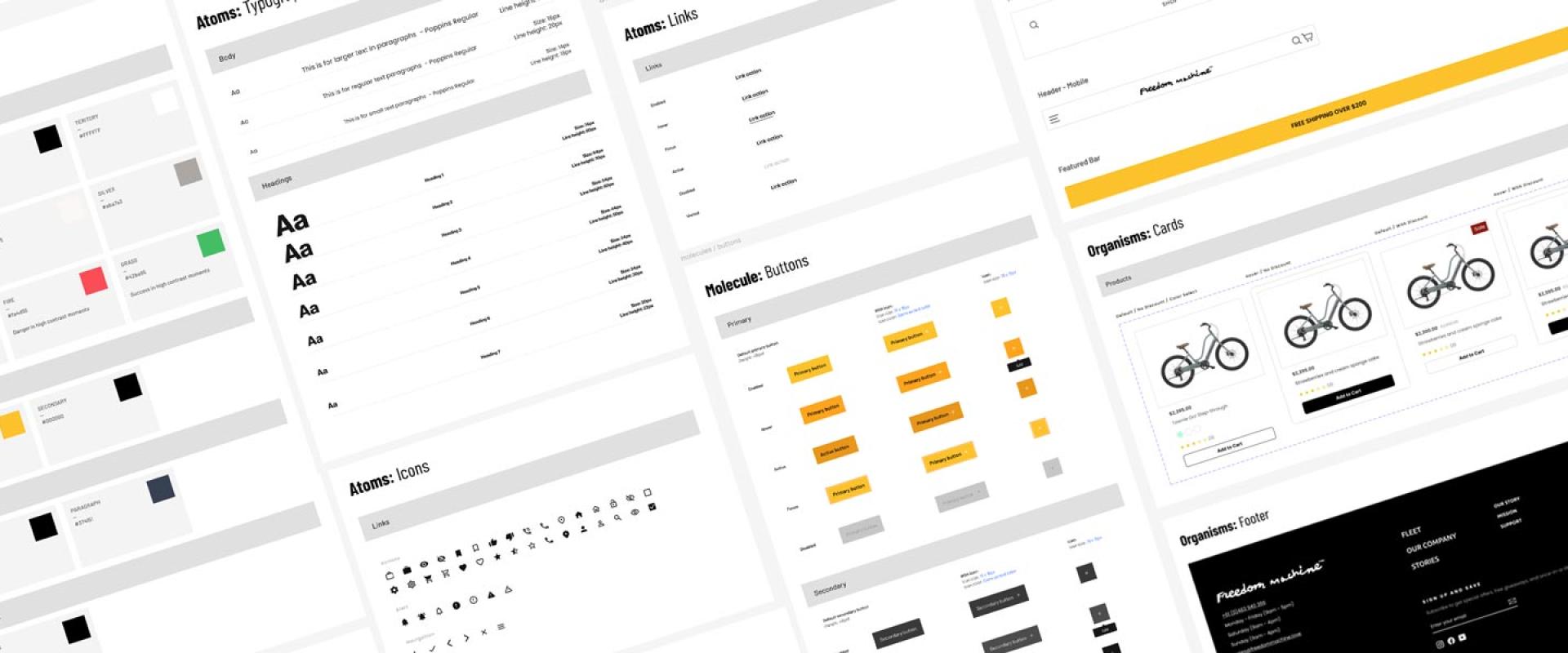
At the core of Atomic Design are atoms — the most fundamental building blocks of an interface, like buttons, input fields and colour swatches. Just as atoms combine to form molecules in chemistry, these fundamental components form the basis of more complex UI elements. Focusing on atoms first ensures the smallest elements of a design are both functional and visually consistent.
2. Molecules
Molecules are groups of atoms that work together as a unit — for example, a search bar made up of a text input and a submit button. Molecules are more complex than atoms but still relatively simple. They start to take on functional roles, and designing them well ensures the combinations of atoms work seamlessly together.
3. Organisms
When molecules combine, they create organisms — more complex UI components like a navigation bar, a product card or a form with multiple fields. Organisms represent distinct sections of an interface that can be reused across different pages or screens, providing a consistent look and feel throughout the design.
4. Templates
Templates are the skeletal structures of an interface. They lay out organisms in a way that demonstrates how they will appear on a page or screen, focusing on layout and arrangement rather than real content. This stage is crucial for visualising how different elements will interact and ensuring the design supports user needs effectively.
5. Pages
Finally, pages are the final compositions of templates with real content. They are used to test the design with actual data and interactions, helping ensure the design is practical and meets user needs in real-world scenarios before implementation.
Benefits of Atomic Design in UX
- Consistency — breaking components into smaller parts ensures every element follows a unified style and function across the interface
- Efficiency — designers can quickly assemble and reassemble components, speeding up the design process and reducing redundancy
- Scalability — a well-structured component system is easier to adapt and expand as a product grows
- Flexibility — with a well-defined component library, teams can modify or update individual elements without disrupting the overall design
Incorporating Atomic Design principles into UX allows for a more systematic approach to building interfaces. By focusing on the fundamental building blocks and their relationships, designers can create more intuitive, consistent and scalable systems — ultimately improving the overall user experience.